Make every play
easy to understand.

Draw a play in 2D and look at it in 3D: coaches explain faster, players understand better. Plus training plans, team management, play briefs and QR sharing — for 70+ sports.

No technical skills needed.

Parents, fans and teachers can watch it too: a link is enough.

▶ Video tutorials: how every action works

Watch a football play in 3D 2D3D Watch Draw Football
Watch a basketball play in 3D 2D3D Watch Draw Basketball
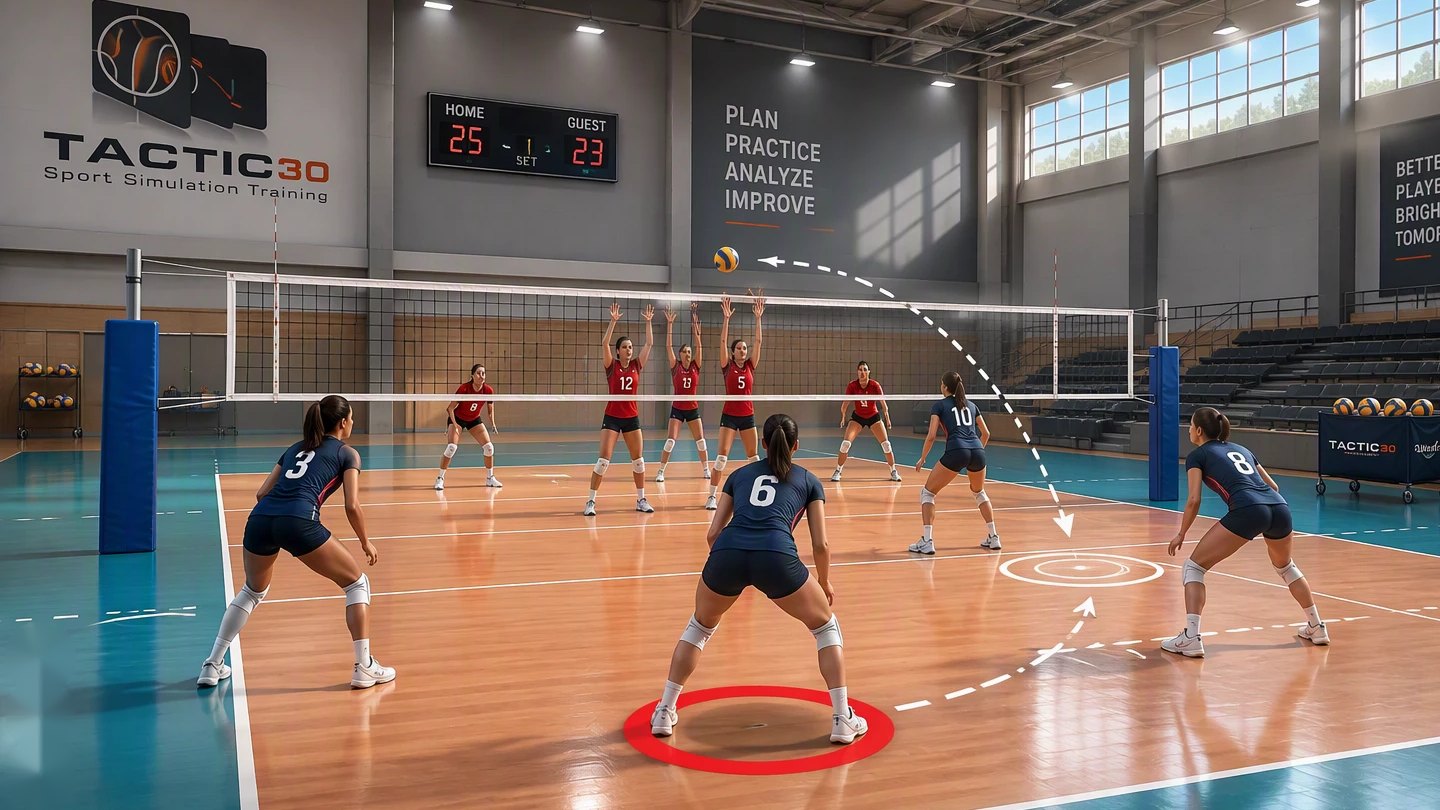
Watch a volleyball play in 3D 2D3D Watch Draw Volleyball

Illustrative images.

See all 70+ sports ↓

How it works in 30 seconds

1

Choose a sport

Football, basketball and 70+ more, each with its own court.

2

Place and draw

Put the players where you want them and drag to draw runs, passes and shots.

3

Watch it in 3D

Press Play and see the play from every angle, or through the eyes of a player.

Draw in seconds

No training needed: drag and drop.

Instant 3D playback

See the movement from every angle.

70+ sports

One tool for every coach.

Any device

Phone, tablet or computer.

Not a coach? You can use it too.

Parents and fans

See the play the coach explains. A link or a QR code is all it takes.

Teachers and schools

Show a play on the class screen: draw it, turn it, let students try.

Students and analysts

Study a movement from every angle and share what you found.

Watch a play in 3D

Pick your sport

Install it as an app

Add TactixBoard — or just one sport — to your home screen. It opens fullscreen, like a native app.

Android (Chrome)

  1. Open the site in Chrome.
  2. Tap the ⋮ menu, top right.
  3. Tap "Install app" (or "Add to Home screen").
  4. Open the new icon — it opens fullscreen, no address bar.

iPhone (Safari)

  1. Open the site in Safari — not Chrome, only Safari can do this on iOS.
  2. Tap the Share button (square with an arrow up).
  3. Scroll down and tap "Add to Home Screen".
  4. Tap "Add" in the top right.

See the full install guide →

Android app — closed testing · Basketball

TactixBoard Basketball is being prepared as an Android app. Join the closed test to install it early.

1. Join the testers group 2. Open the test link

First join the group with your Google account. Then open the test link on your Android phone and tap "Become a tester". Access is limited to invited testers.

More about the Android app →